Documentation
Guides and reference for covdbg.
Start with your first coverage run, connect an AI agent through MCP, or export reports for your team and CI.
Get started with covdbg
Installation Guide
MSI or portable ZIP, signing in, and system requirements.
Quick Start Guide
Build the sample project, run it under covdbg, and read the report.
Configuration Reference
Include and exclude patterns, targets, baselines, and settings.
Getting Started
Install covdbg and get your first report in ten minutes.
Use Cases
How teams in different situations put covdbg to work.
Integrations
Wire covdbg into CI and the coverage services you already use.
Reference
All commands, configuration keys, and licensing rules.
In CI
Coverage in CI
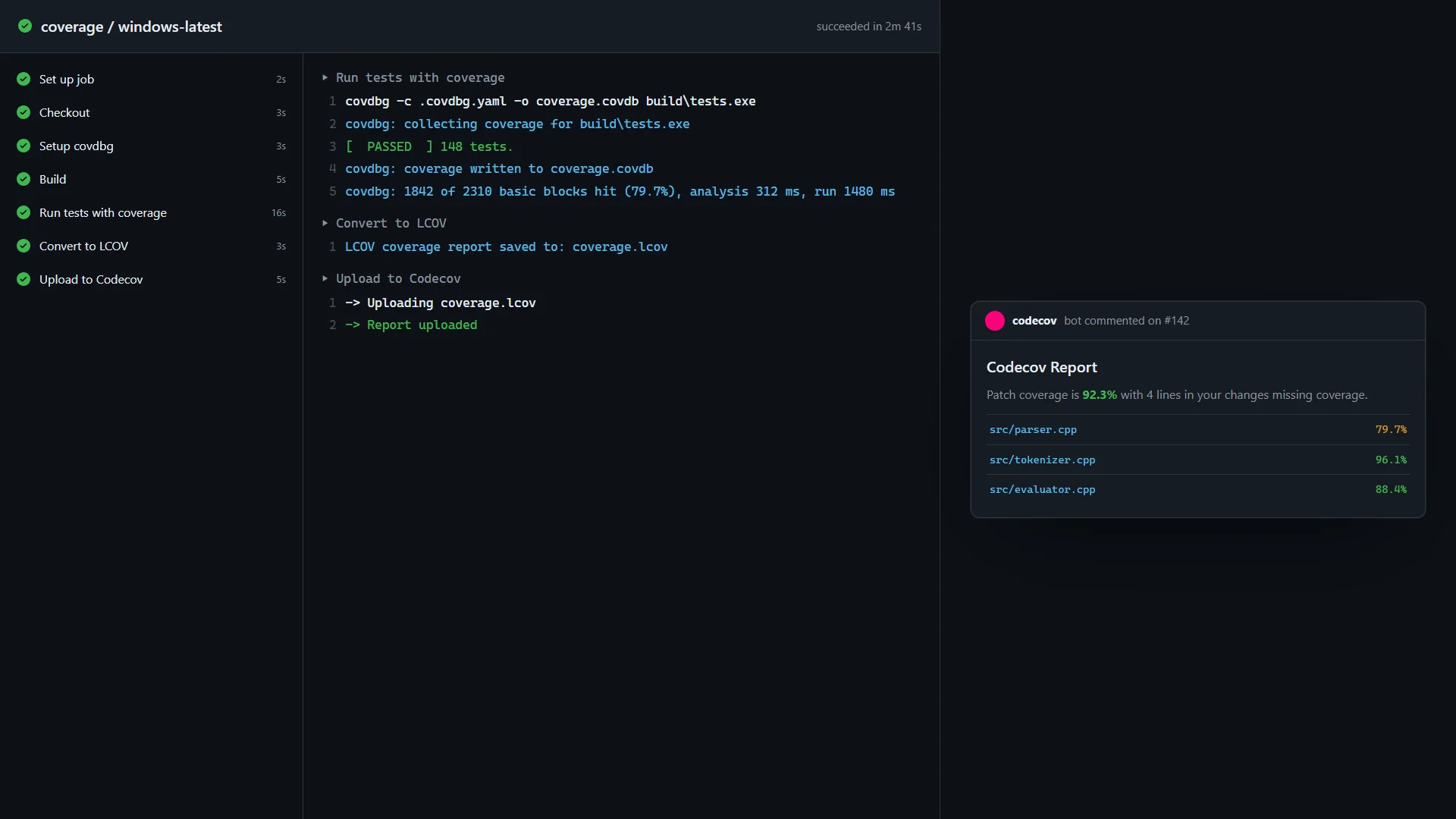
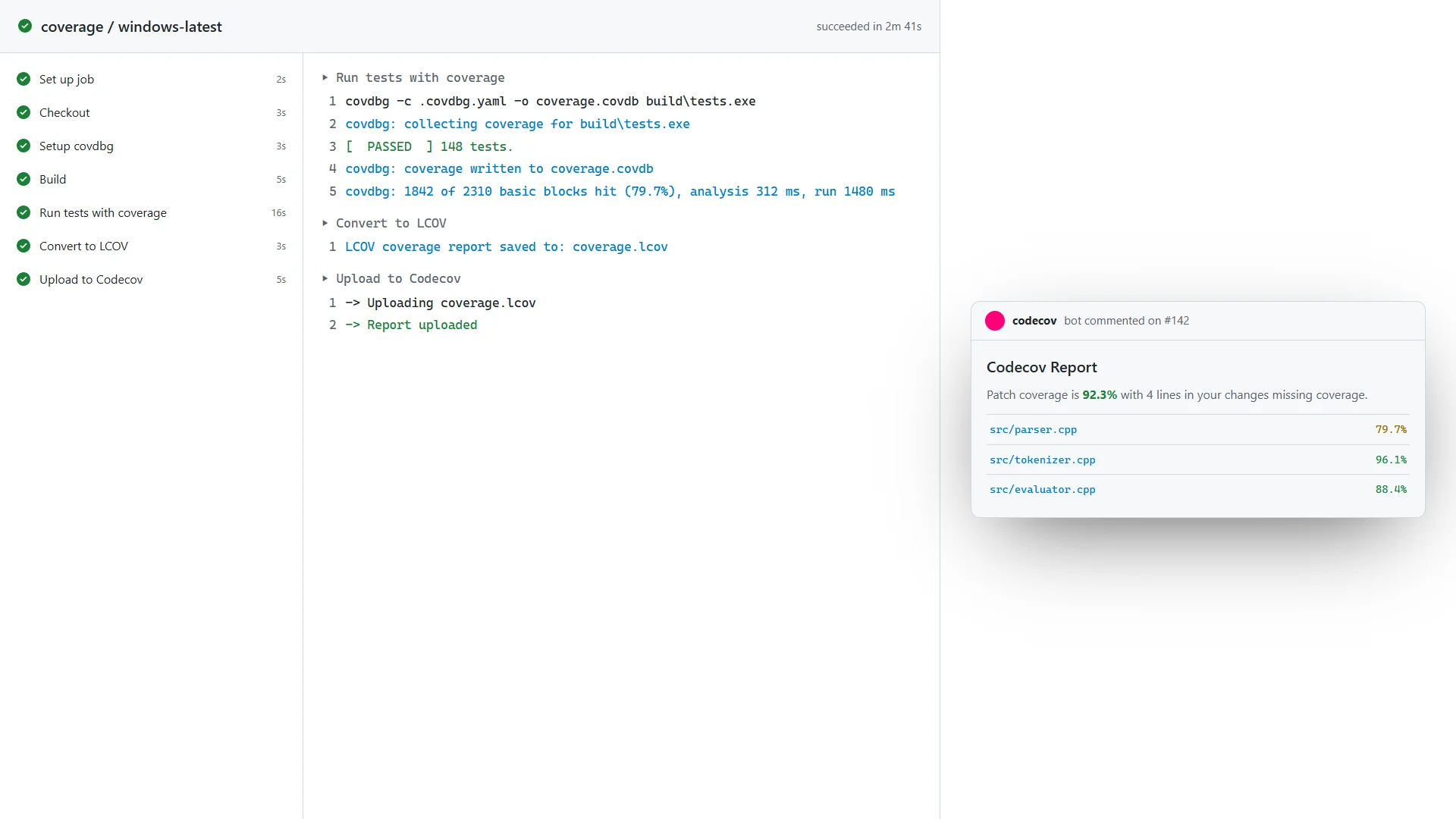
Set up covdbg with the GitHub Action, run the tests you already run, convert to LCOV, and upload. A project token stands in for the sign-in, for unattended builds.
Read the workflow
Use a project token to run covdbg in your pipeline. Export LCOV and upload the report to Codecov to see coverage on the pull request.
Run tests → Export LCOV → Upload coverageReport issues
Found a bug or missing a feature? Contact our support team to open a support ticket.
Contact support
Team customers get an answer by email within one business day.
For AI assistants
Every page is also available as Markdown at the same URL with a .md suffix, and llms.txt summarizes the product for AI assistants.